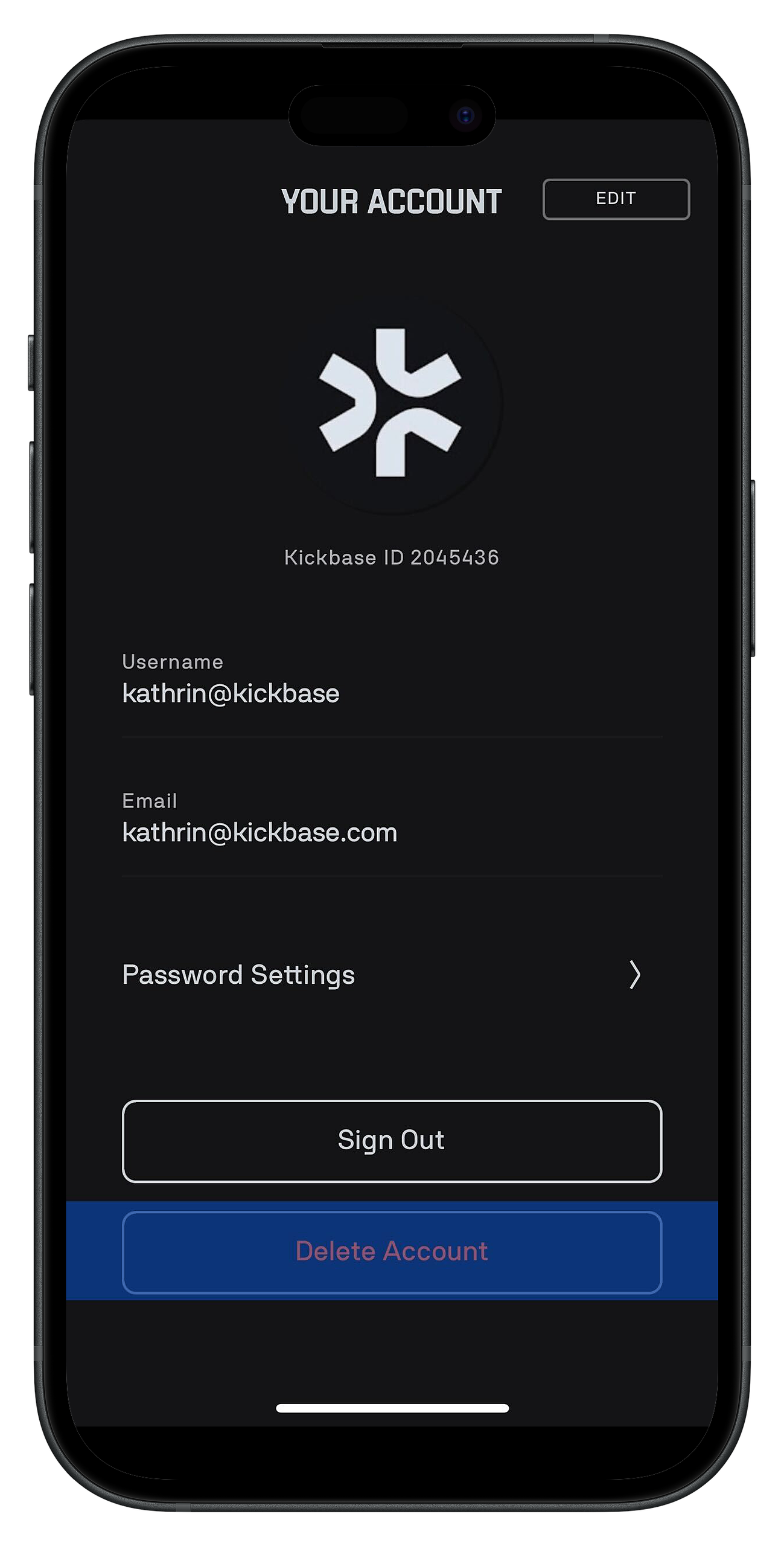
If you want to delete your Kickbase account, you can easily do it within the app. Please note that this process is irreversible, and our support team will not be able to restore your account.
Here is the step-by-step guide:
Open the Kickbase app and go to the Base.
Tap on the menu icon in the top left corner.
Select "Settings" from the menu.
Go to "Your Account".
Scroll down and tap on "Delete Account".
Important Note: Once you delete your account, all data will be permanently lost. Make sure to think this through before proceeding.
6. Confirm that you want to delete your account permanently.